Cruise WiFi Versus Roaming – Which Costs Less?
Introduction
Your phone can become one of the most expensive items on board if it connects to a maritime mobile network without you noticing. Cruise Wi-Fi versus roaming is not simply a question of which option is cheaper: it is about knowing where you will be, what you need to do online, and how much convenience is worth on your holiday.
For many UK cruisers, the sensible answer is a combination. Use the ship’s Wi-Fi when you are at sea, an eSIM or your usual mobile allowance when you are ashore, and keep mobile data switched off while the ship is sailing. The detail matters, however, because cruise line packages, mobile network policies and itinerary type can make a real difference.
Cruise WiFi versus roaming: the essential difference
Cruise ship Wi-Fi is the internet service provided through the vessel’s satellite connection. You normally buy it from the cruise line, either before sailing or once on board. Plans may be priced per person, per device or for the full voyage, and can range from messaging-only access to packages suitable for browsing, video calls and streaming.
Roaming means using your UK mobile network abroad. On land, this may be included in your plan, subject to daily limits or a roaming pass. At sea, your phone may connect to a maritime network rather than a normal land-based network. This is where costs can rise sharply. Maritime roaming is usually excluded from inclusive UK and European allowances, and charges can apply by the megabyte, minute and text.
The key distinction is simple. Ship Wi-Fi is designed for use on the ship. Standard roaming is generally best reserved for ports where your phone is connected to a local terrestrial network. Never assume that seeing a mobile signal means you are using an affordable network.
Why mobile roaming at sea can be a costly mistake
When a ship is beyond the range of land-based masts, it may use an onboard cellular service connected by satellite. Your phone can join it automatically, sometimes while you are asleep or sitting in your cabin. Background activity such as photo backups, app updates, email syncing and social media refreshes can then use data without any deliberate browsing.
A brief connection may not cause a problem, but streaming, uploading holiday photos or downloading a large update can create an unwelcome bill. The practical rule is to turn off data roaming before embarkation and leave it off until you are safely ashore in a port.
Do not rely only on aeroplane mode if you plan to use the ship’s Wi-Fi, as you can usually switch Wi-Fi back on after enabling it. This is often the safest configuration at sea: aeroplane mode on, Wi-Fi on, mobile data and roaming off. If you prefer to keep your phone available for emergency calls, check your handset settings carefully and disable data roaming at a minimum.
What cruise Wi-Fi is genuinely good for
Modern cruise Wi-Fi is much improved, particularly on newer ships with advanced satellite services. It can be perfectly adequate for messaging family, checking emails, reading the news, looking up independent shore information and managing travel arrangements. Some ships now support clear video calls and streaming in many areas.
It is still a shared connection, though. Speeds can slow when many guests are online, coverage may be weaker in some cabins, and connection quality can vary with location and weather. A sea day with thousands of passengers online is a different experience from using fibre broadband at home.
Before buying, look at the package description rather than choosing by name alone. A social or messaging plan may support WhatsApp messages but exclude calls, file transfers or certain websites. A basic browsing plan may not include video streaming. If one person only needs to send occasional updates, paying for the most expensive package for every traveller is often unnecessary.
For couples, consider whether you truly need two connected devices all day. One plan may be enough if the provider permits you to sign in and out on different devices. Check the terms first, as some cruise lines limit access to one registered device at a time, while others sell packages specifically for multiple devices.
Pre-booking can be better value
Cruise lines frequently offer a lower price when Wi-Fi is bought before sailing, especially as part of a fare bundle. Pre-booking also removes one small decision from embarkation day. However, do not buy automatically just because there is a discount. On a port-intensive itinerary, you may have little need for the ship’s internet outside the evening.
A longer transatlantic crossing, a world cruise or a voyage with several sea days is different. In those cases, reliable access can be worth paying for, particularly if you need to stay in touch with family or handle responsibilities at home.
When a roaming pass is the better choice
Your UK network’s roaming option can be useful in port, particularly if you only need maps, transport information, restaurant details or messages during the day. Check your provider’s destination list and daily fair-use limits before you leave. Policies vary widely, and European roaming arrangements are no longer consistent across all UK mobile plans.
The value depends on your itinerary. Mediterranean and northern European cruises often offer plenty of opportunities to use local mobile coverage ashore. Caribbean islands may be more variable, while remote destinations can make local data more expensive or less dependable. River cruising is often the easiest case for conventional roaming or an eSIM, because vessels are usually close to land and mobile coverage can be good along much of the route.
If you are using roaming, wait until you are physically ashore and confirm the network name on your phone before enabling mobile data. If it says maritime, cellular at sea or anything unfamiliar, keep data switched off. A few minutes of patience at the gangway can save a great deal of frustration later.
Where an eSIM fits into the decision
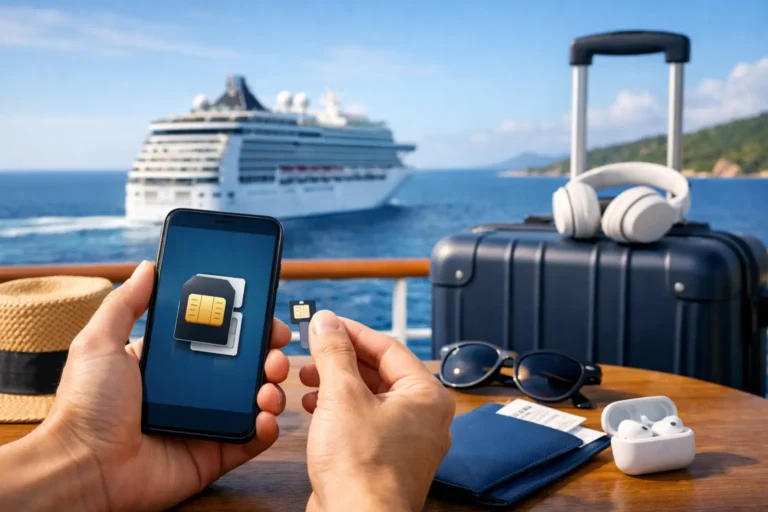
An eSIM can be an excellent companion to cruise Wi-Fi, but it is not a replacement for satellite internet at sea. It provides data through local mobile networks in the countries covered by its plan. That makes it especially useful for port days, pre-cruise hotels, airport transfers and post-cruise travel.
For a multi-country European itinerary, a regional eSIM can be simpler than paying separate daily roaming charges. It also allows you to preserve your usual UK SIM for calls and texts if your phone supports dual SIM operation. Check that your handset is eSIM-compatible and unlocked before purchasing one, then install and test it while you have dependable Wi-Fi at home.
Set the eSIM as your mobile data line, turn off data switching, and keep your UK SIM’s data roaming disabled. This prevents the phone from quietly falling back to your main network if the eSIM signal is weak. Remember that an eSIM will normally stop working once the ship is out at sea, just as a physical local SIM would.
Choose by itinerary, not by habit
A seven-night cruise with two sea days calls for a different plan from a river cruise through Europe or a longer sailing with limited port time. Think about your actual online needs rather than the fear of being disconnected.
If you want to send a daily WhatsApp update and occasionally check email, a basic ship Wi-Fi plan or a short connection in port may be enough. If you need regular video calls with children or grandchildren, work access, or the ability to respond quickly to matters at home, choose a higher-tier Wi-Fi package and test it early in the voyage. If you mainly need directions and tickets ashore, an eSIM or permitted mobile roaming is likely to offer better value.
There is also a holiday consideration. Constant access can be reassuring, but it can make it harder to step away from routine. Decide in advance when you need to be reachable and when you would rather be present for sail-away, dinner or a quiet morning on deck.
A simple connection plan before embarkation
A little preparation avoids the most common onboard data problems. Before leaving home, make sure you have completed these four checks:
- Download maps, boarding documents, entertainment and reading material for offline use.
- Turn off automatic app updates, cloud photo backups and automatic video playback.
- Check your mobile provider’s roaming and maritime network charges for every country on your itinerary.
- Save important telephone numbers, booking references and travel insurance details where you can access them offline.
Once on board, connect to the ship’s Wi-Fi portal and review the available plans before committing. If you buy a package, run a quick test with the services you care about most. It is better to discover that a basic plan will not support a video call on the first day than halfway through the cruise.
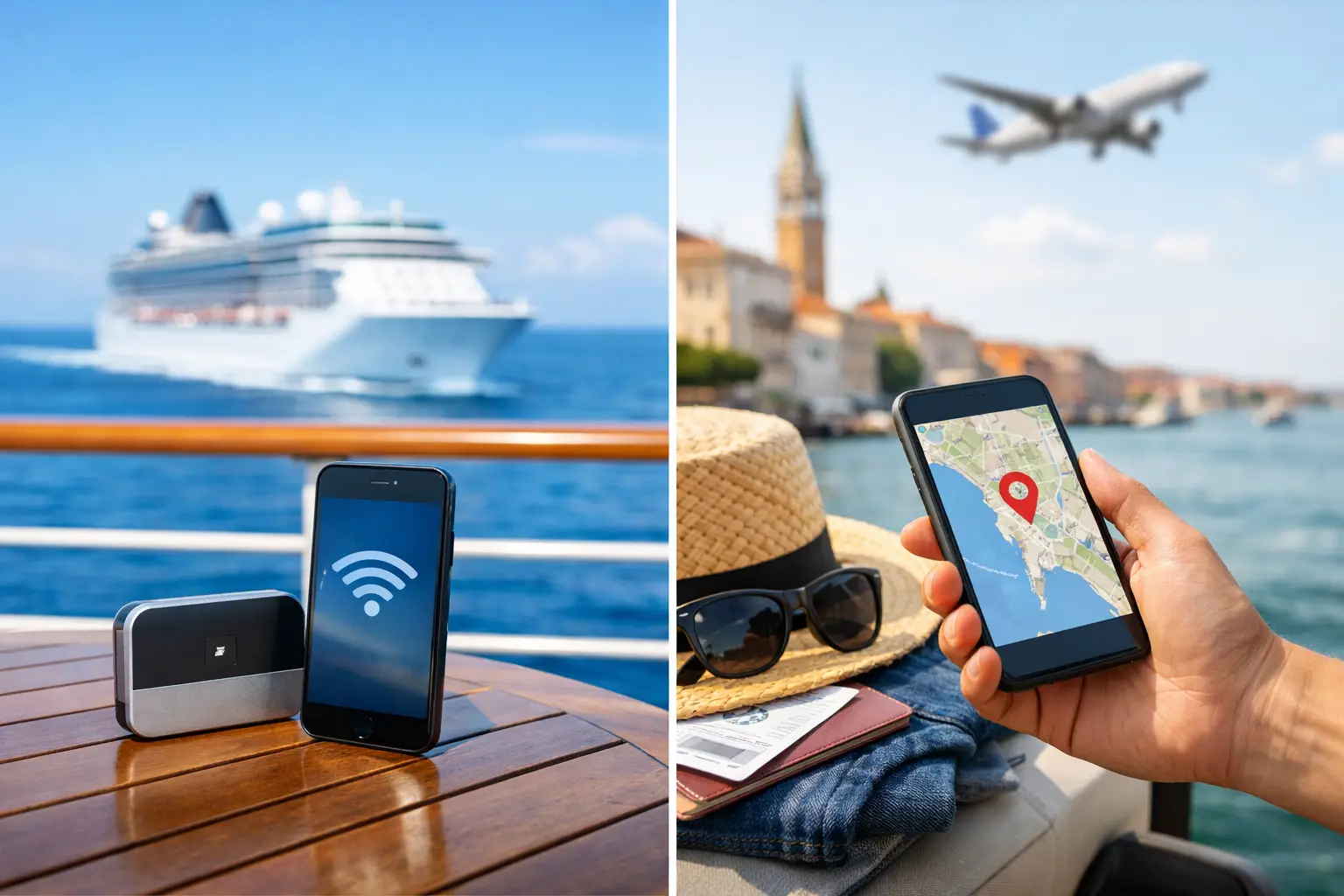
The best approach is usually not to choose cruise Wi-Fi or roaming as if they are competing products. Treat them as tools for different parts of the journey: ship Wi-Fi for sea days, local data for time ashore, and sensible phone settings to protect your budget throughout. With that arranged before you sail, your phone can stay useful without becoming another holiday worry.
Frequently Asked Questions
Additional Resources

The Essential Cruise & Travel Shop

Disclaimer
The Essential Cruise Shop Blog provides this guide for informational purposes only and does not act as a travel agency, telecommunications provider, or professional mobile adviser. The information contained in this guide is provided for general guidance only. While we endeavour to ensure all information is correct and up to date, we make no representations or warranties of any kind regarding its completeness or accuracy. Cruise line Wi-Fi packages, mobile network roaming tariffs, maritime cellular charges, and provider policies are subject to change without notice. We strongly recommend that you verify all terms, network settings, and prices directly with your cruise line, mobile network provider, or eSIM vendor before making any bookings, decisions, or financial commitments. We cannot be held liable for any financial loss or unexpected charges resulting from a failure to follow this advice.
Affiliate Disclosure
Many of the links are affiliate links, The Essential Cruise Shop Blog may receive a commission from qualifying clicks, orders or bookings. This income helps support our efforts to provide and improve our site and turn it into a one stop resource for travellers with a bias towards cruising.