Can You Use Mobile Data at Sea on a Cruise?
Introduction
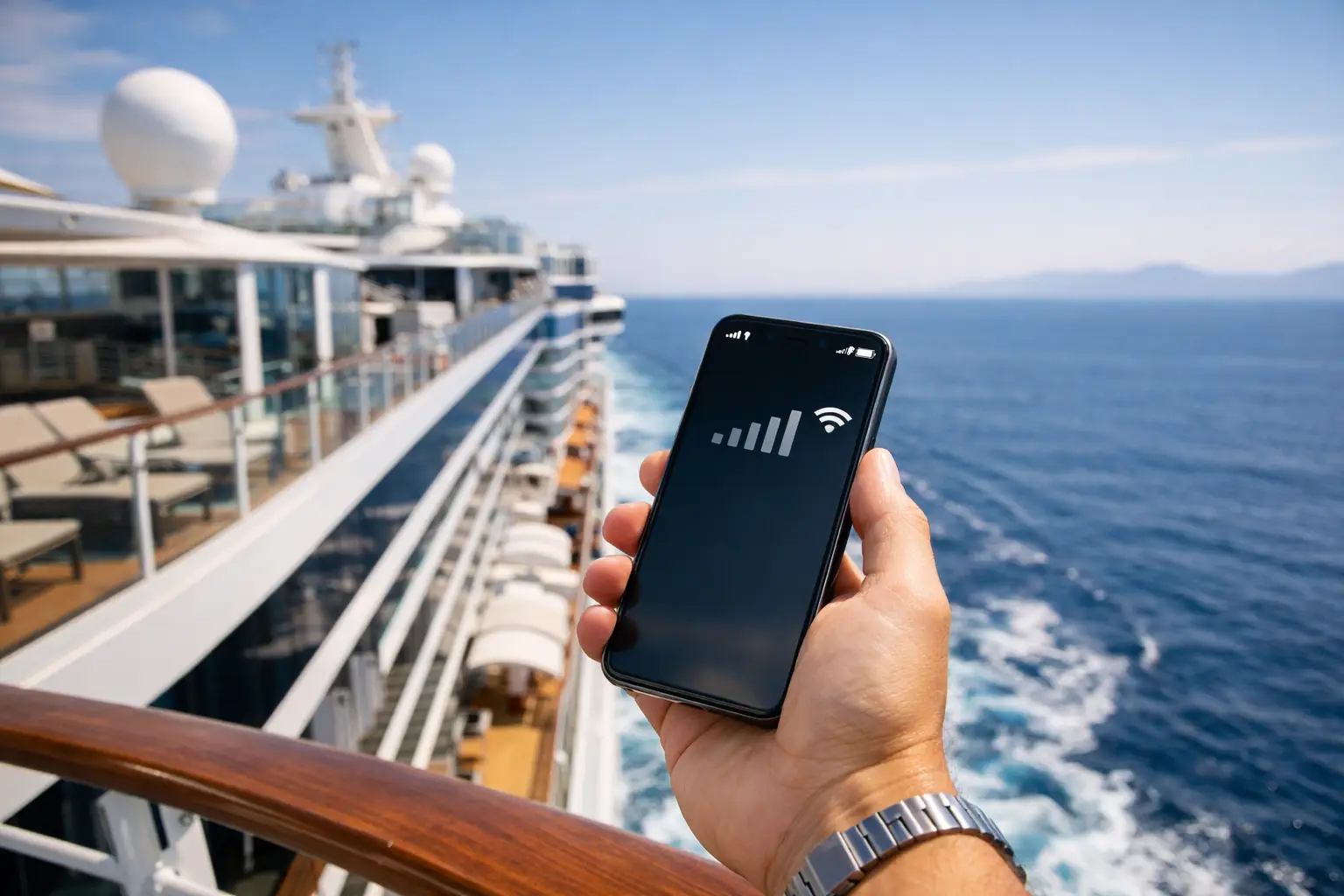
Your phone may show signal halfway through a sea day, but that does not necessarily mean you are using your normal UK allowance. So, can you use mobile data at sea? Usually, yes – but the connection may come from a maritime mobile network rather than a land-based mast, and the charges can be far higher than many cruise guests expect.
For most travellers, the safest approach is simple: use your cruise line’s Wi-Fi package when you are onboard, use mobile data carefully in port, and keep mobile data and data roaming switched off while the ship is sailing. A little preparation before embarkation can prevent an unwelcome bill from taking the shine off your holiday.
Can you use mobile data at sea?
Mobile data can work at sea when your ship provides a cellular service, often called a maritime network. These services use equipment onboard the ship and connect via satellite. Your phone may display a network name such as Cellular at Sea, 901, or another unfamiliar provider, rather than Vodafone, EE, O2 or Three.
The practical point is that this is not the same as being on shore. Even if you have inclusive EU roaming or a generous UK data plan, it will rarely cover maritime roaming. Calls, texts and data may all be charged at specialist rates, and data can be particularly expensive. A few background app updates, photo uploads or video clips may be enough to create a substantial charge.
Signal is also variable. It may be available in some areas of the ship and absent in others, and it is not designed to be a replacement for dependable onboard internet. River cruises are different: because vessels travel close to land, your usual mobile network may be available for much of the journey. However, coverage still changes by country, valley, lock and route, so it is worth treating it as a useful extra rather than a guarantee.
Why maritime roaming catches people out
Phones are built to reconnect automatically. Once mobile data and data roaming are enabled, your device may check email, refresh news, back up photographs, update apps and synchronise cloud files without you actively opening anything. At home this is convenient. At sea, it can be costly.
The risk is greatest during departure and arrival. A ship can be close enough to a port for your normal network to appear, then move beyond land-based coverage and connect to a maritime provider shortly afterwards. If your phone is set to select networks automatically, you may not notice the change.
Before leaving home, check your provider’s roaming information specifically for cruise ships and ferries. Do not assume that a destination roaming package includes use at sea. If you have a spending cap with your mobile provider, confirm how it applies to maritime charges too. A cap is helpful, but it should not be your only safeguard.
The best settings for a sea day
Aeroplane mode is the most reliable way to stop your phone connecting to a maritime network. Once it is on, you can switch Wi-Fi back on separately and use the ship’s internet package without enabling mobile service.
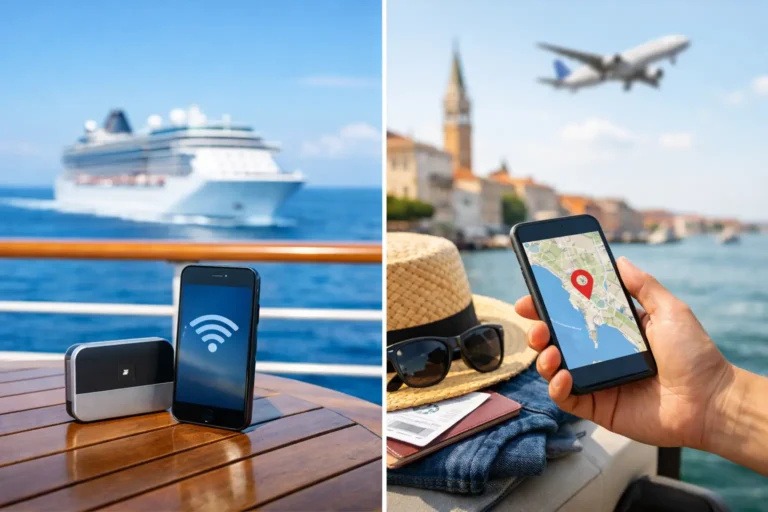
This setup lets you use messaging apps, browse, check email and make app-based calls where the Wi-Fi package supports them. The quality will depend on the ship, sailing area, weather, the number of guests online and the package you have chosen. Modern cruise ships increasingly use satellite internet, which can be very good for everyday use, but it is still sensible to manage expectations. Streaming, large uploads and video calls may be restricted or less consistent at busy times.
If you prefer not to use aeroplane mode, turn off both mobile data and data roaming, then disable automatic network selection where your handset allows it. That gives you more control, but it is easier to forget a setting or accidentally reconnect. For a first cruise, aeroplane mode plus Wi-Fi is usually the least stressful option.
It is also sensible to turn off automatic app updates and photo backups before you sail. Download podcasts, books, maps, boarding documents and entertainment over home Wi-Fi or at your hotel before embarkation. Save key telephone numbers and your travel insurance details offline as well.
Cruise Wi-Fi versus mobile data
Cruise Wi-Fi is normally the more predictable choice for staying in touch onboard. Packages vary between cruise lines and ships. Some are designed for messages and light browsing, while others include social media, streaming or access on more than one device. Check the wording carefully, particularly if you need to use WhatsApp calls, Teams, FaceTime or a work email system.
For couples, one package may be enough if you are happy to sign in and out between devices. If you both want to be online at the same time, or need to contact family independently, two-device access may be more convenient. It is worth checking whether your cruise line sells packages in advance at a lower price than onboard.
Mobile data has one advantage: it can be very useful in port. It may give you maps, ride-hailing apps, restaurant information and contact with your travel party as you explore independently. That does not mean it is always the cheapest option. Outside the UK, charges depend on your destination and mobile plan, and the EU roaming arrangements that applied in the past are no longer universal for UK customers.
Using your phone in port without overspending
Wait until the ship has docked and you can see a recognised local network before turning mobile data back on. Check the network name, and give your phone a moment to settle rather than assuming the first available signal is the right one. If the ship remains close to shore, maritime service can occasionally still appear alongside local networks.
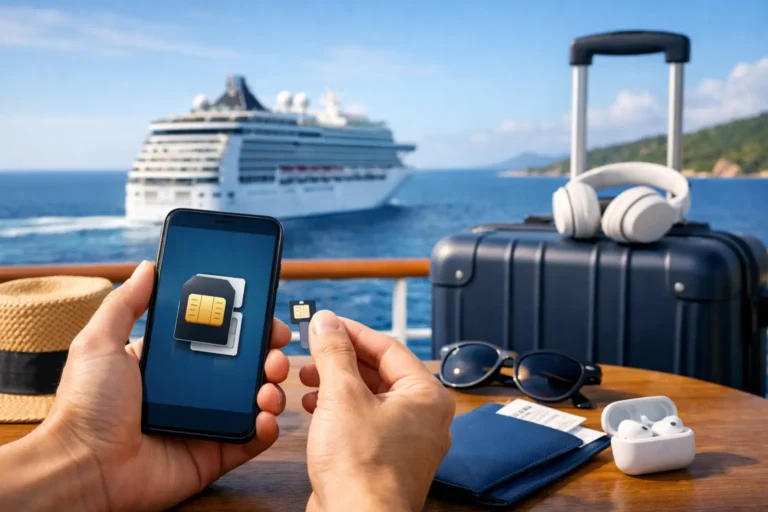
An eSIM can be a practical option for a port-intensive itinerary, particularly if you are visiting several countries and your UK provider’s roaming add-ons are poor value. Buy an eSIM that covers the countries you will actually visit and install it before travel, while you have reliable Wi-Fi. Most travel eSIMs are for land use only, so they will not solve the issue of internet access during sea days.
Keep your usual SIM active for calls and verification texts if needed, but set the eSIM as the line used for mobile data. On many handsets, you can also disable data switching so the phone does not quietly fall back to your UK SIM. If this sounds fiddly, take a few minutes to test the settings before you leave for the airport.
What about calls and texts at sea?
Standard calls and texts made through a maritime network may be charged at rates that are very different from your normal plan. If you must call someone, use the ship’s Wi-Fi and an internet-based calling app where possible. Remember that the person at home may not realise you are at sea, so it is helpful to agree in advance how you will stay in touch.
For essential contact, tell family when you expect to be offline and when you plan to check messages. This is especially reassuring if relatives are looking after pets, a home or other responsibilities while you are away. You can also leave your ship details and emergency contact information with someone you trust, rather than relying on a normal mobile call being available.
A simple pre-cruise phone checklist
Before embarkation, make sure your phone is ready for the way you want to use it. The following checks take only a few minutes and can save both money and frustration:
- Check your mobile provider’s maritime roaming prices and spending controls.
- Download travel documents, maps, entertainment and any cruise-line app content over Wi-Fi.
- Turn off automatic updates, cloud backups and background downloads.
- Decide whether to buy cruise Wi-Fi, use an eSIM in port, or both.
- Put your phone into aeroplane mode once you are onboard, then enable Wi-Fi only.
When paying for onboard internet is worthwhile
Not every holiday needs constant connectivity. If you are taking a short cruise and are happy to disconnect, you may only need Wi-Fi in port or occasional access in the terminal. On the other hand, a package can be worthwhile for a longer sailing, a transatlantic crossing, a family member who needs reassurance, or anyone who must remain reachable for work or home matters.
Choose based on how you genuinely use your phone, not on the idea that you ought to be online. A light package is often enough for messages and checking plans, while heavier users may value a package that supports calls and streaming. Read the cruise line’s current package terms before purchasing, as inclusions can differ by ship and itinerary.
The most relaxing arrangement is often to set your phone up before sailaway, let the ship’s Wi-Fi handle your onboard communication, and use local mobile data only when you are properly ashore. That leaves you free to enjoy the sea view without wondering what each bar of signal might cost.
Frequently Asked Questions
Additional Resources

The Essential Cruise & Travel Shop

Disclaimer
The Essential Cruise Shop Blog provides this guide for informational purposes and is not a travel agency or mobile network adviser. The information contained in this guide is for general guidance only. While we do our best to ensure the information is up-to-date and correct, we make no representations or warranties of any kind about its completeness or accuracy. Mobile provider roaming tariffs, maritime satellite charges, spending caps, and cruise line Wi-Fi package terms are subject to change without notice. We strongly recommend that you verify all details directly with your mobile network provider or cruise line before making any usage choices, bookings, or financial commitments. We cannot be held liable for any financial loss due to the reader's failure to follow the above advice.
Affiliate Disclosure
Many of the links are affiliate links, The Essential Cruise Shop Blog may receive a commission from qualifying clicks, orders or bookings. This income helps support our efforts to provide and improve our site and turn it into a one stop resource for travellers with a bias towards cruising.