
How to Stay Connected on Cruises at Sea
Introduction
The first photo of sail-away is often followed by a practical question: will your phone still work once the ship leaves port? Knowing how to stay connected on cruises means you can message family, check travel arrangements, follow the next day’s plans and use online services without returning home to an unwelcome mobile bill.
There is no single best option for every cruise. A couple taking a seven-night Mediterranean sailing may need little more than a sensible eSIM for port days, while someone working remotely or travelling with family may find an onboard Wi-Fi package worthwhile. The key is to understand the difference between ship Wi-Fi, mobile roaming at sea and mobile data ashore before you sail.
Start with your reason for staying online
Before comparing packages, decide what connection you actually need. For many holidaymakers, being able to send WhatsApp messages, check emails occasionally and use maps in port is enough. In that case, paying for the fastest, most expensive Wi-Fi tier on board may offer very little extra value.
If you need to keep in touch with relatives at home, messaging apps usually use far less data than video calls. Downloaded music, films, podcasts and books can also make sea days more enjoyable without using any onboard allowance. Those who intend to work during the cruise should be more cautious: ship internet can be affected by location, weather, the number of guests online and the ship’s satellite capacity. It is useful, but it should not be treated as guaranteed office-grade broadband.
How to stay connected on cruises with ship Wi-Fi
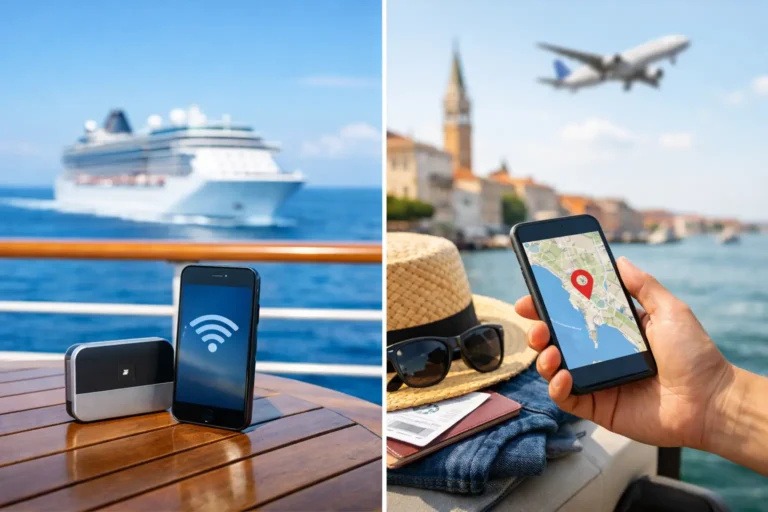
Most ocean cruise lines sell Wi-Fi packages, generally priced per person, per day. The names vary, but they commonly fall into a messaging option, a standard browsing option and a premium package that may allow streaming or video calls. River ships also increasingly provide Wi-Fi, though speed and coverage can be more variable when sailing through rural stretches or locks.
Check precisely what a package includes. Some lower-priced plans allow messaging services but exclude photo sharing, social media, video calling or streaming. Others permit one device at a time, meaning you can switch between your phone and tablet but cannot use both simultaneously. A package may be suitable for one person in a cabin, yet frustrating for two guests who each want regular access.
Buying in advance can be cheaper than purchasing once onboard, particularly when the cruise line offers a pre-cruise discount. However, do not buy automatically. On a port-intensive itinerary, you may have plenty of opportunities to use mobile data or local Wi-Fi ashore. On a transatlantic crossing or a voyage with several sea days, onboard Wi-Fi becomes much more useful.
For the best chance of a good connection, avoid the busiest periods, such as just after dinner or early morning when many guests are checking in with home. Download maps, newspapers and entertainment while you have a stronger signal, and save larger uploads for a port day where possible.
Make messaging work before you sail
Set up the apps your family uses before leaving the UK. WhatsApp, FaceTime, Messenger and similar services work over Wi-Fi, but some relatives may be unfamiliar with them. Agree a simple routine, such as a short message each evening, rather than leaving people at home wondering why they have not heard from you.
It is also sensible to switch on two-factor authentication alternatives where available. If a bank or email provider sends security codes only by SMS, you may struggle to receive them at sea. An authenticator app, backup codes stored securely, or a trusted contact method can prevent a minor login issue from becoming a holiday headache.
Never rely on ordinary roaming at sea
Your normal UK roaming allowance is usually designed for land-based networks in selected destinations. Once your phone connects to a maritime network, often shown as a ship or cellular-at-sea service, charges can be exceptionally high. A few minutes of data use, automatic photo backup or a video clip uploaded in the background can cost far more than an onboard internet package.
Put your phone into aeroplane mode as soon as the ship departs, then turn Wi-Fi back on if you have bought a ship package. This lets you use Wi-Fi without allowing your handset to connect to the ship’s mobile signal. Keep aeroplane mode on until you are safely ashore and have selected a suitable local network or activated your eSIM.
If you need to remain reachable by your usual number, check your mobile provider’s cruise roaming rules in advance. Do not assume that a general Europe or worldwide roaming pass covers a ship. It may not, and the small print matters.
Use an eSIM or travel data plan for port days
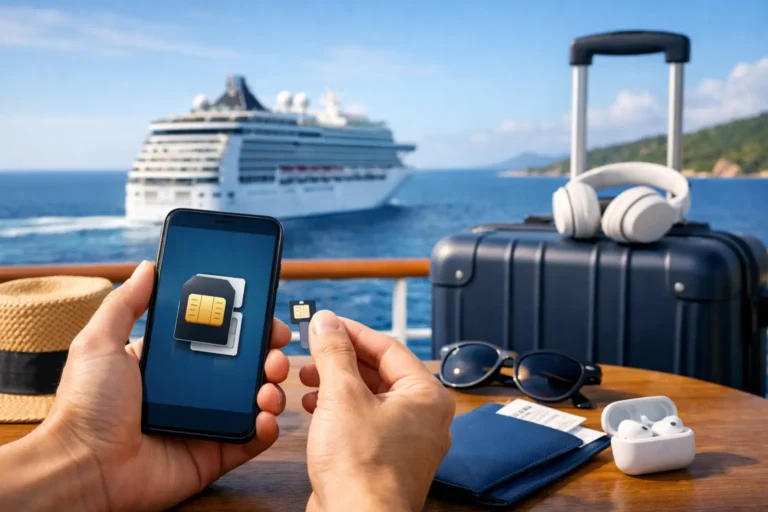
For many UK travellers, an eSIM is one of the simplest ways to get mobile data when visiting several countries. It is a digital SIM added to a compatible phone, allowing you to retain your UK SIM for calls and texts while using a separate travel plan for data abroad. This can be particularly convenient on Mediterranean, Caribbean and Northern Europe itineraries.
The best eSIM depends on your route. A regional plan can be good value if you are visiting several countries, but check every port on the itinerary rather than assuming broad regional coverage. Cruises can call at territories with different network arrangements, and an itinerary change may put you somewhere your chosen plan does not cover.
Install and test the eSIM before leaving home while you have reliable internet and access to any confirmation emails. Then set that eSIM as your mobile-data line when ashore and turn off data roaming on your UK SIM. Most travel eSIMs are data-only, so calls and messages should be made through internet-based apps unless you have another calling arrangement.
A traditional physical travel SIM can still suit guests whose handset is not eSIM-compatible. It is less convenient to swap in and out, and you must take care not to misplace your usual SIM, but it can be a practical alternative.
Plan for each kind of port day
Mobile data is most useful when you are away from the ship: checking a taxi collection point, using Google Maps, contacting an independent tour guide or looking up a restaurant. Download offline maps for each port before you sail, including the route between the cruise terminal and the town centre. Save tickets, tour confirmations and key addresses to your phone as screenshots as well.
Do not depend solely on public Wi-Fi in cafés, terminals or tourist areas. It can be slow, require repeated sign-ins or be less secure than your own mobile connection. Avoid banking, entering sensitive passwords or making significant purchases on an unfamiliar public network. If you must use it, keep the task brief and wait until you have a trusted connection for anything sensitive.
For a river cruise, your phone may connect to local networks more often because the ship remains close to land. That can make an eSIM or roaming pass more practical than relying on ship Wi-Fi alone. Yet the same rule applies: confirm your network before using mobile data, especially near borders where phones can connect to a neighbouring country unexpectedly.
Keep data use under control
Even generous plans can disappear quickly if your phone is left to its own devices. Before departure, review the settings that consume data in the background. Turn off automatic app updates and cloud photo backups over mobile data, and set music and video apps to download only on Wi-Fi. If you use social media, consider uploading a small selection of photographs rather than every image from the day.
A few preparations are particularly worthwhile:
- Download films, books, playlists, podcasts and children’s entertainment before travel.
- Save boarding passes, insurance details, excursion tickets and transfer information offline.
- Enable low-data mode or data saver on your phone where available.
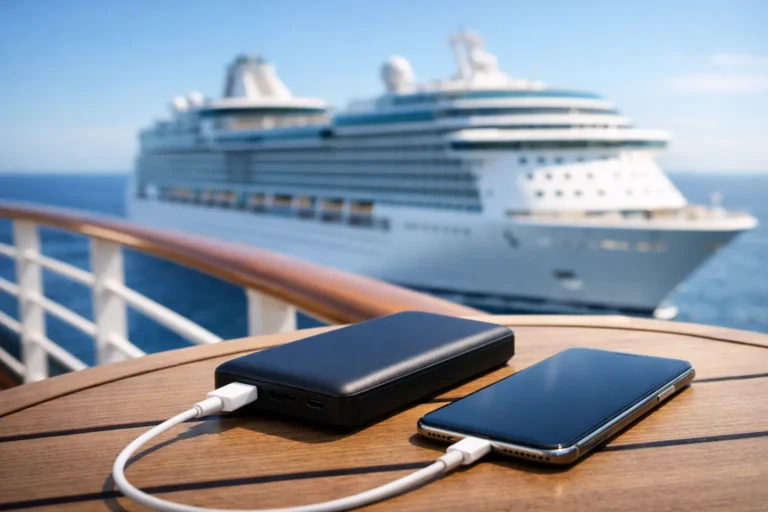
- Carry a small power bank for long port days, particularly when using maps and mobile data.
A portable power bank will not improve your signal, but it can prevent the more common problem: a flat phone just when you need your return-to-ship directions or need to contact a driver.
Choose a plan that suits your travelling party
Couples often do not need two premium ship Wi-Fi plans. One guest may buy a package for essential communication, while both use eSIM data in port. That said, each person should have an independent way to access essential travel details in case you separate during an excursion or one phone battery fails.
Families and multigenerational groups may benefit from a clearer arrangement. Decide who is responsible for checking daily plans, what time everyone will meet back at the ship, and how you will communicate if mobile signal is patchy. Cruise-line apps can be useful for daily programmes, dining times and onboard messages, but their features differ. Download the relevant app before embarkation and check whether it works on the ship’s free internal Wi-Fi or needs a paid internet package.
For anyone who must be reachable because of work or family responsibilities, be realistic before booking. Explain that connection may be limited during sea days, arrange a backup contact at home, and consider a ship Wi-Fi package that supports calls rather than depending on mobile roaming.
The most reassuring approach is usually a simple one: protect your phone from maritime roaming, arrange data for the ports you genuinely need, and use ship Wi-Fi only at the level your holiday calls for. With those details sorted before embarkation, you can check in with home when it matters, then put the phone away and enjoy the view.
Frequently Asked Questions
Additional Resources

The Essential Cruise & Travel Shop

Disclaimer
The Essential Cruise Shop Blog provides this guide for informational purposes and is not a travel agency, mobile network provider or professional adviser. The information contained in this guide is for general guidance only. While we do our best to ensure the information is up-to-date and correct, we make no representations or warranties of any kind about its completeness or accuracy. Cruise line Wi-Fi packages, maritime roaming rates, network coverage and port itineraries are subject to change without notice. We strongly recommend that you verify all details directly with your cruise line, mobile network provider or eSIM vendor before making any bookings, decisions or financial commitments. We cannot be held liable for any financial loss due to the reader’s failure to follow the above advice.
Affiliate Disclosure
Many of the links are affiliate links, The Essential Cruise Shop Blog may receive a commission from qualifying clicks, orders or bookings. This income helps support our efforts to provide and improve our site and turn it into a one stop resource for travellers with a bias towards cruising.