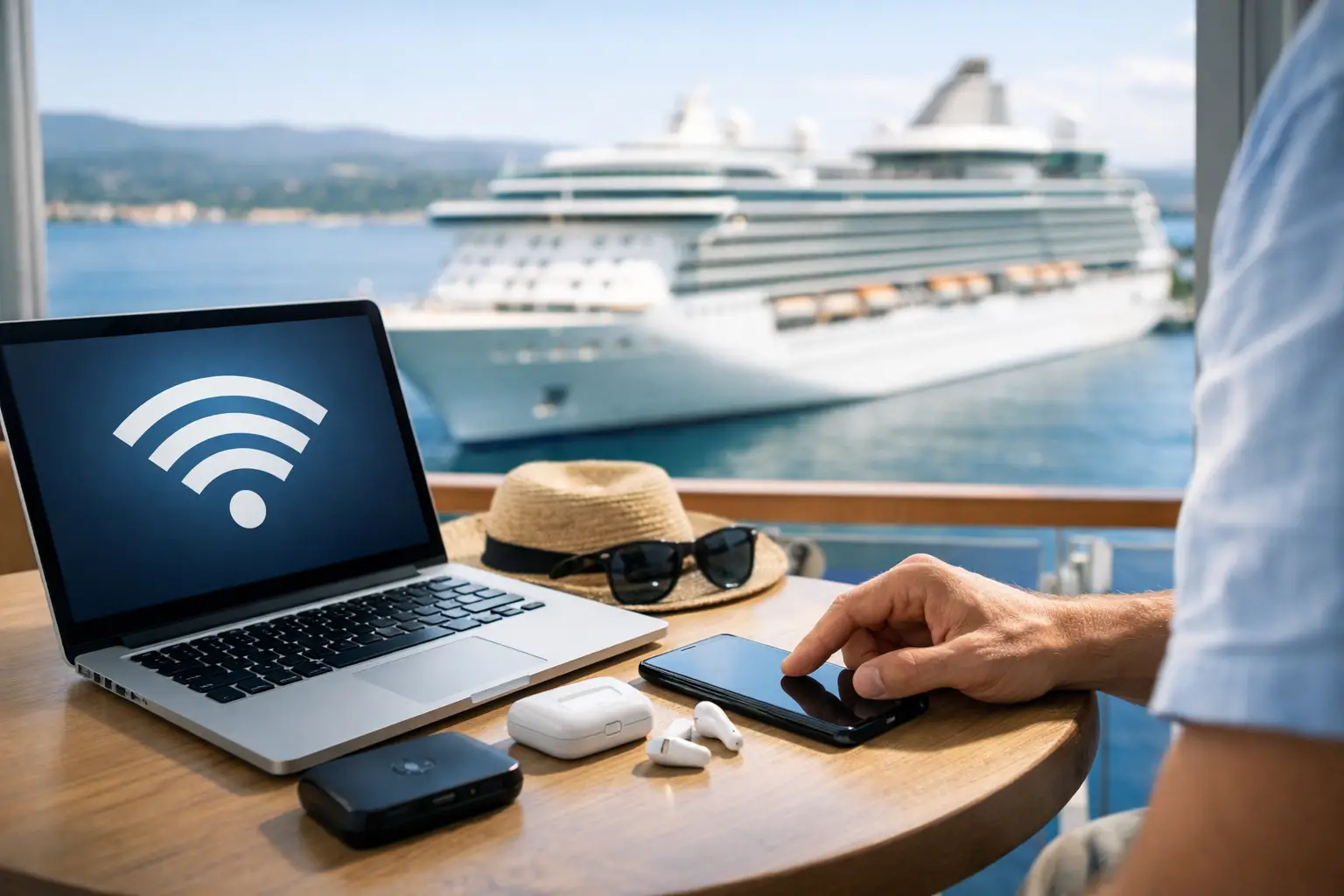
Cruise WiFi Setup Made Simple Before You Sail
Introduction
The first time you see your mobile network disappear beyond the harbour, cruise WiFi can suddenly feel far more important than it did at home. A sensible cruise wifi setup means you can send a message, check plans in port and stay in touch without spending the first afternoon wrestling with log-in screens or worrying about a surprising phone bill.
Shipboard internet has improved greatly, particularly on newer vessels, but it is not the same as your home broadband. The connection is shared by hundreds or thousands of guests, performance can vary by location and weather, and each cruise line sells access differently. A little preparation helps you choose the right package and use it well.
Start your cruise WiFi setup before embarkation
The most useful decision is not how to connect on board, but whether you need a package at all. Some travellers are happy to stay offline between ports and use free WiFi in terminals, cafés or hotels. Others need regular contact with family, want to use social media, or may need to monitor work occasionally. There is no single right answer, but it is worth being honest about how you expect to use your phone or tablet.
Look at your cruise line’s WiFi options before you travel. Packages are commonly sold by the day for the whole sailing and may be offered in different levels. A basic plan might cover messaging and browsing, while a premium option may allow social media, video calls or streaming. The exact inclusions can change by ship, itinerary and promotion, so check the current wording rather than relying on a previous guest’s experience.
Pre-booking can be cheaper than buying once on board, although not always. If you are uncertain, compare the advance price with the on-board rate and consider whether you are likely to use every day of the voyage. On a port-intensive Mediterranean itinerary, for example, you may prefer to rely on an eSIM or local connection ashore. On a transatlantic crossing or sea-day-heavy itinerary, a ship package can be much better value.
Do not assume one purchase covers the whole family’s devices. Many packages permit one device connected at a time, not several devices simultaneously. That can work well for a couple who are content to switch between phones, but it becomes less convenient if one person is on a video call while another wants to browse. Read the device policy before committing.
Check your mobile settings first

Before leaving home, turn off mobile data roaming and data roaming on every device you are taking. This is particularly important once the ship is at sea, where your phone may connect to a maritime mobile network rather than a normal land-based provider. Charges through these networks can be very high and are usually not included in your UK roaming allowance.
Putting your phone into flight mode is the simplest safeguard. You can then switch WiFi back on manually to connect to the ship’s network. Calls and texts through your usual mobile number will not work in the normal way while flight mode is active, but messaging apps and WiFi calling may work if your package and phone settings support them.
It is also sensible to download anything you will want without an internet connection. Think boarding documents, excursion confirmations, rail tickets, travel insurance details, books, podcasts, maps and entertainment for the journey to the port. Downloading large files through ship WiFi can be slow, use an allowance quickly or simply be blocked by your package.
Connecting once you are on board
After you have boarded, your cruise line will usually explain the connection process in the daily programme, cabin information or its onboard app. In most cases, you select the ship’s WiFi network in your device settings, open a browser, and a log-in page appears. From there, you can enter your booking details, purchase a plan or sign in if you bought one in advance.
If the page does not appear automatically, type a simple web address into your browser rather than searching for one. This often prompts the ship’s log-in portal to open. If you have pre-purchased access, keep the confirmation email or booking reference saved offline in case you need it.
Cruise line apps are often available without buying an internet package, although this varies. These apps can be genuinely useful for checking the daily schedule, viewing restaurant menus, reserving activities, finding your way around the ship and messaging fellow guests. Download and sign in to the app before you sail if possible, then allow any updates while you still have a reliable connection.
Why the connection may feel inconsistent
A cruise ship’s internet signal is delivered by satellite, so speed and reliability depend on more than the number of bars displayed on your phone. Service can be slower in remote waters, during busy evening periods or when many guests are trying to upload photographs at once. Newer satellite systems have made a noticeable difference on some ships, but expectations still matter.
For everyday tasks such as messages, emails, checking weather forecasts and light browsing, most guests find modern cruise WiFi perfectly workable. Video calls, cloud backups, high-definition streaming and uploading large batches of photos are more demanding. If you need dependable high-speed access for work, check the cruise line’s current service information carefully and have a back-up plan for important deadlines.
Your location on the ship can make a difference too. If the signal seems weak in your cabin, try a lounge or another public area before assuming the service has failed. Reception or the internet desk can help with account and device issues, though they cannot always improve satellite capacity.
Make your allowance and connection go further
Even an unlimited package benefits from sensible settings. Disable automatic app updates, photo backups and video autoplay before sailing. These background tasks can consume data without you noticing and may make your device appear slow when the ship’s network is busy.
Use messaging in preference to sending large attachments, and wait until you are ashore to upload full-resolution holiday photographs. If you are sharing updates with family, agree a simple routine such as a message after breakfast or when you return from an excursion. It reassures people at home and removes the pressure to remain constantly online.
Video calling is possible on some premium plans, but treat it as a bonus rather than a guarantee. Keep calls short, choose quieter times of day and move to a suitable public area if your cabin connection struggles. Audio-only calls use less data and are often more reliable.
If your package allows only one connected device, sign out properly when you finish. Simply closing the browser may not release the connection. Most cruise portals have a log-out option, and using it means your partner can connect without waiting or contacting support.
Ship WiFi, port WiFi or an eSIM?

A blended approach is often the most practical choice for UK cruisers. Use the ship’s WiFi for essential messages and cruise information, then use a travel eSIM or local mobile data when you are in port. An eSIM can be particularly useful on European itineraries, where you may want maps, transport apps and restaurant information throughout the day.
However, standard travel eSIMs generally only work where there is a land-based mobile signal (unless using a specialized maritime eSIM plan) and where your phone is compatible and unlocked. It will not replace ship WiFi at sea. Check the countries included in the plan, especially on itineraries that cross borders or include islands with different mobile arrangements.
Public WiFi ashore is a useful extra but should not be your only plan for urgent communication. It may be slow, require repeated log-ins or be unavailable where you need it. Avoid banking, entering sensitive details or making important purchases on an unfamiliar public network unless you are confident in the security measures you use.
Set expectations with the people at home
One overlooked part of cruise WiFi setup is telling friends and family what to expect. Explain that you may not reply immediately on sea days and that mobile calls to your usual number may not be the best way to reach you. Share the name of your ship, itinerary and a preferred messaging app before departure.
For many travellers, the best use of onboard internet is not being online all the time. It is having enough connection to feel organised, reassured and reachable when it matters. Set your devices up carefully, choose a package that matches your real needs, then give yourself permission to look up from the screen and enjoy the holiday around you.
Frequently Asked Questions
Additional Resources

The Essential Cruise & Travel Shop

Disclaimer
The Essential Cruise Shop Blog provides this guide for informational purposes only and does not act as a travel agency, mobile network operator, or telecommunications adviser. The information contained in this guide is for general guidance only. While we endeavour to keep all information up to date and correct, we make no representations or warranties of any kind about its completeness or accuracy. Cruise line WiFi packages, device allowances, app features, satellite signal availability, and mobile roaming tariffs are subject to change without notice. We strongly recommend that you verify all specific internet package terms, device policies, and roaming rates directly with your cruise line, mobile network provider, or eSIM vendor before making any bookings, decisions, or financial commitments. We cannot be held liable for any financial loss or unexpected charges resulting from a reader's failure to follow this advice.
Affiliate Disclosure
Many of the links are affiliate links, The Essential Cruise Shop Blog may receive a commission from qualifying clicks, orders or bookings. This income helps support our efforts to provide and improve our site and turn it into a one stop resource for travellers with a bias towards cruising.